how to
Windows 2008: Enable sound card in Vmware and Hyper-V Windows VPS
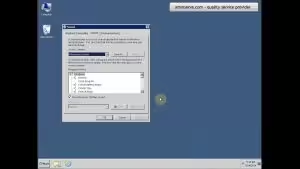
In this tutorial you will learn how to enable sound-card in your Vmware Windows VPS or Hyper-V Windows VPS, as a result you can hear all the Windows

In this tutorial you will learn how to enable sound-card in your Vmware Windows VPS or Hyper-V Windows VPS, as a result you can hear all the Windows

Connecting to a Windows Remote Desktop (RDP) or Windows VPS from a Mac is straightforward. macOS does not include a native Remote Desktop client for Windows out of
To protect your privacy, sometimes you need to remove the recent commands from “RUN” dialog in your Windows VPS. You wont need any software for such purpose, just
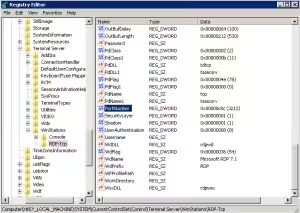
By default, Remote Desktop Protocol (RDP) listens on TCP port 3389 on all Windows operating systems. Because port 3389 is globally known, malicious automated bots constantly scan the

Every time you connect to a remote server or Windows VPS using the native Windows Remote Desktop Connection client (mstsc.exe), Windows automatically saves the hostname or IP address
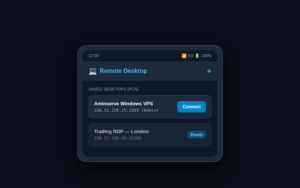
Connecting to your Windows RDP, Windows VPS, or office computer from an Android smartphone or tablet allows you to monitor automated workflows, manage servers, and run desktop-only Windows
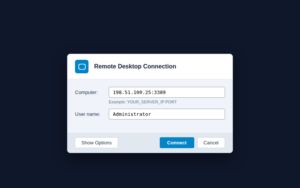
Remote Desktop Protocol (RDP) is the standard management protocol for connecting to and controlling a Windows VPS, dedicated server, or remote desktop instance over the internet. When connected
If you are using CentOs 5.6 or 5.7 , first you need to run these in ssh:
To install perl on your Linux box, simply login using the SSh and run this command: