The emergence of the CTRL toolkit has introduced a sophisticated, fileless post-exploitation framework that operators are utilizing to gain stealthy, hands-on access to Windows systems. By integrating credential phishing, keylogging, and RDP session hijacking into a cohesive package using FRP tunnels, this threat bypasses traditional signature-based detection. A detailed CTRL RAT malware analysis reveals that the primary challenge for defenders is its reliance on in-memory execution and the manipulation of native Windows components to maintain persistence and command-and-control (C2) communication.
Execution Chain and In-Memory Persistence
CTRL is typically delivered via weaponized LNK files—often masquerading as legitimate documents or keys—which embed a heavily obfuscated PowerShell stager. Upon execution, the loader performs an in-memory decompression of .NET stager assemblies, subsequently writing them into Windows registry keys such as ShellStateVersion1. By leveraging registry-based storage rather than standard filesystem artifacts, the malware evades common EDR telemetry.
Practitioner Note: Pay close attention to PowerShell scripts that invoke Assembly.Load() or use reflection to load assemblies directly from registry values; this is a high-fidelity indicator of in-memory execution.
Detecting FRP-Based Tunneling
The framework utilizes Fast Reverse Proxy (FRP) to establish C2 communication, routing all traffic through reverse tunnels that bypass traditional edge firewall protections. To effectively manage your Windows VPS environment and block these backdoors, you must hunt for FRP protocol fingerprints. You can monitor for outbound traffic originating from unexpected processes connecting to common FRP ports (like 7000) or investigate the usage of legitimate FRP binaries on your network perimeter.
Identifying Termsrv.dll Patching and RDP Hijacking
The CTRL toolkit enables unauthorized RDP access by patching the termsrv.dll file and installing wrappers that allow for multiple concurrent sessions, effectively permitting the operator to shadow active user desktops. Implementing termsrv.dll patching detection is critical for identifying this threat; monitor your systems for file integrity changes to this specific library and look for unexpected installations of RDP wrapper utilities in C:\Program Files\RDP Wrapper\.
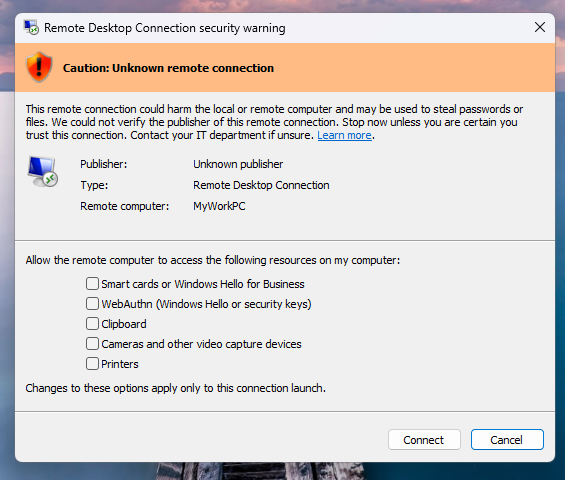
To further prevent RDP session hijacking, organizations should enforce robust hardened RDP configurations that strictly control session access and limit the attack surface.
CTRL RAT Quick Reference: IoC Cheat Sheet
| Indicator | Location/Detail |
|---|---|
| Registry Persistence | HKLM\SOFTWARE\Microsoft\Windows\CurrentVersion\Explorer\ (ShellStateVersion1, IconSizeVersion1) |
| Scheduled Tasks | DriverSvcTask, NetTcpSvc, TermSvcHost, WindowsHealthMonitor |
| Named Pipe | ctrlPipe |
| Network | Outbound port 7000 (FRPS protocol) |
| File Path | C:\Program Files\RDP Wrapper\ |
Key Takeaways and Next Steps
- Implement Registry Monitoring: Alert on binary data written to Explorer-related registry keys.
- Audit RDP Integrity: Monitor
termsrv.dlland track all modifications to RDP service configurations. - Restrict Outbound Traffic: Block unauthorized FRP protocol traffic at the network edge.
- Review Persistence Mechanisms: Regularly audit scheduled tasks and registry keys for anomalous persistence stagers.
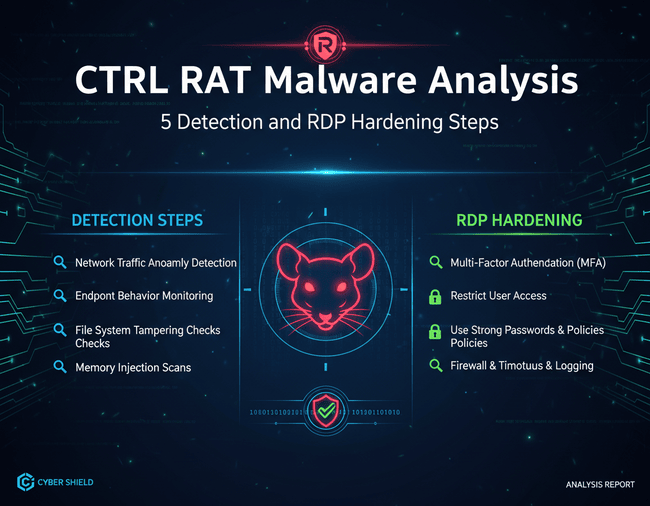
- Harden Identity Access: Ensure all remote access requires MFA and adheres to the principle of least privilege.