Buying a Remote Desktop (RDP) or Windows VPS with cryptocurrency gives you complete billing privacy, global payment accessibility, and instant automated checkout. Whether you prefer Bitcoin (BTC), Tether (USDT on TRC-20 / ERC-20 / BEP-20), Ethereum (ETH), Litecoin (LTC), Monero (XMR), or TRON (TRX), Aminserve accepts all major digital assets directly through our automated crypto gateways.
This comprehensive guide walks you through selecting an RDP plan, completing cryptocurrency checkout, tracking blockchain confirmations, and receiving your server login credentials instantly. If you need to manage your credentials after deployment, follow our guide on How to Change Windows Password on RDP & VPS.
Video Walkthrough: How to buy RDP with cryptocurrency
Why buy RDP and VPS services with cryptocurrency?
- Maximum Privacy & Anonymity: No personal bank accounts, credit card numbers, or physical billing addresses are attached to your invoice.
- Border-Free Global Payments: Pay from anywhere in the world without bank declines, regional currency conversion hurdles, or cross-border fees.
- Sub-Minute Settle Times: Fast settlement on networks like USDT (TRC-20) and LTC allows automated provisioning within minutes.
- Zero Chargeback Overhead: Direct cryptographic settlement eliminates payment processing friction.
Supported cryptocurrencies at Aminserve
Through our integrated payment gateways (including Cryptomus and CoinPayments), Aminserve supports:
- Tether (USDT): Available on TRC-20 (recommended for sub-$1 network fees), ERC-20, and BEP-20 networks.
- Bitcoin (BTC): Native on-chain settlement for maximum long-term privacy.
- Ethereum (ETH) & Solana (SOL): Standard smart-contract crypto settlement.
- Litecoin (LTC) & Monero (XMR): Ultra-low fees and privacy-enhanced transactions.
- TRON (TRX) & Binance Coin (BNB): High-speed, micro-fee transfers.
Step-by-step: How to order an RDP with cryptocurrency
Step 1: Choose your RDP plan and location
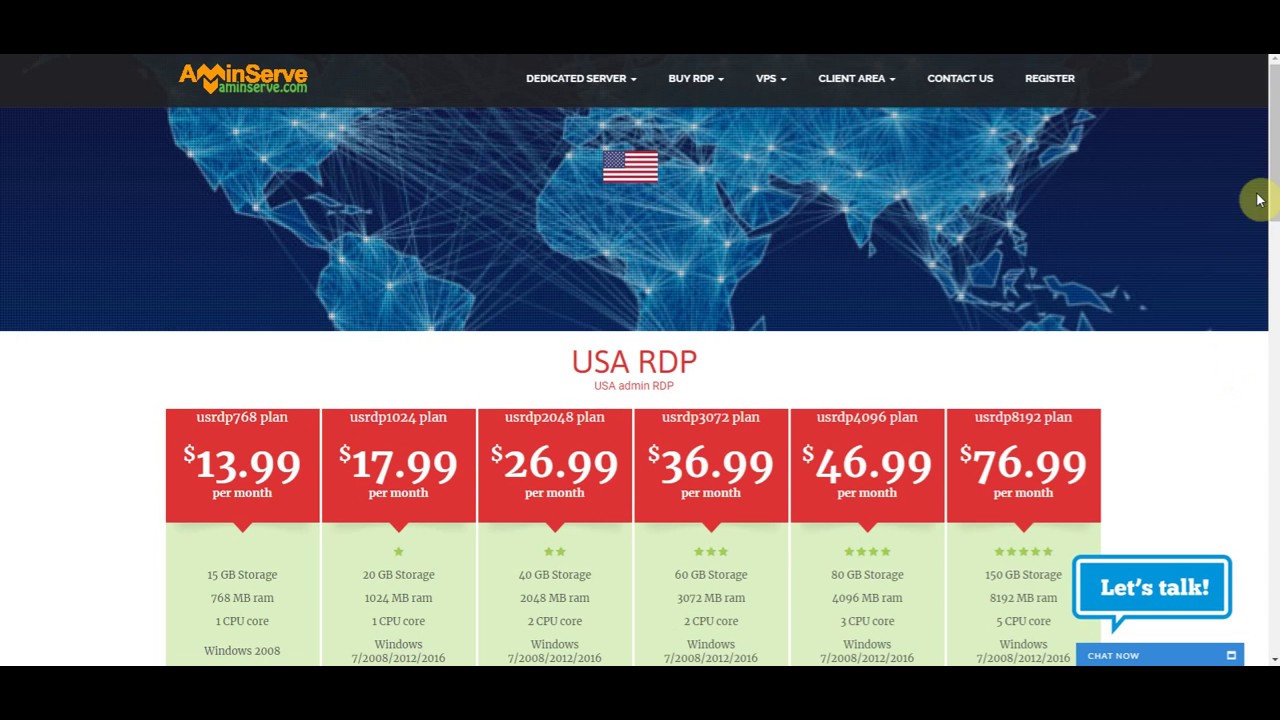
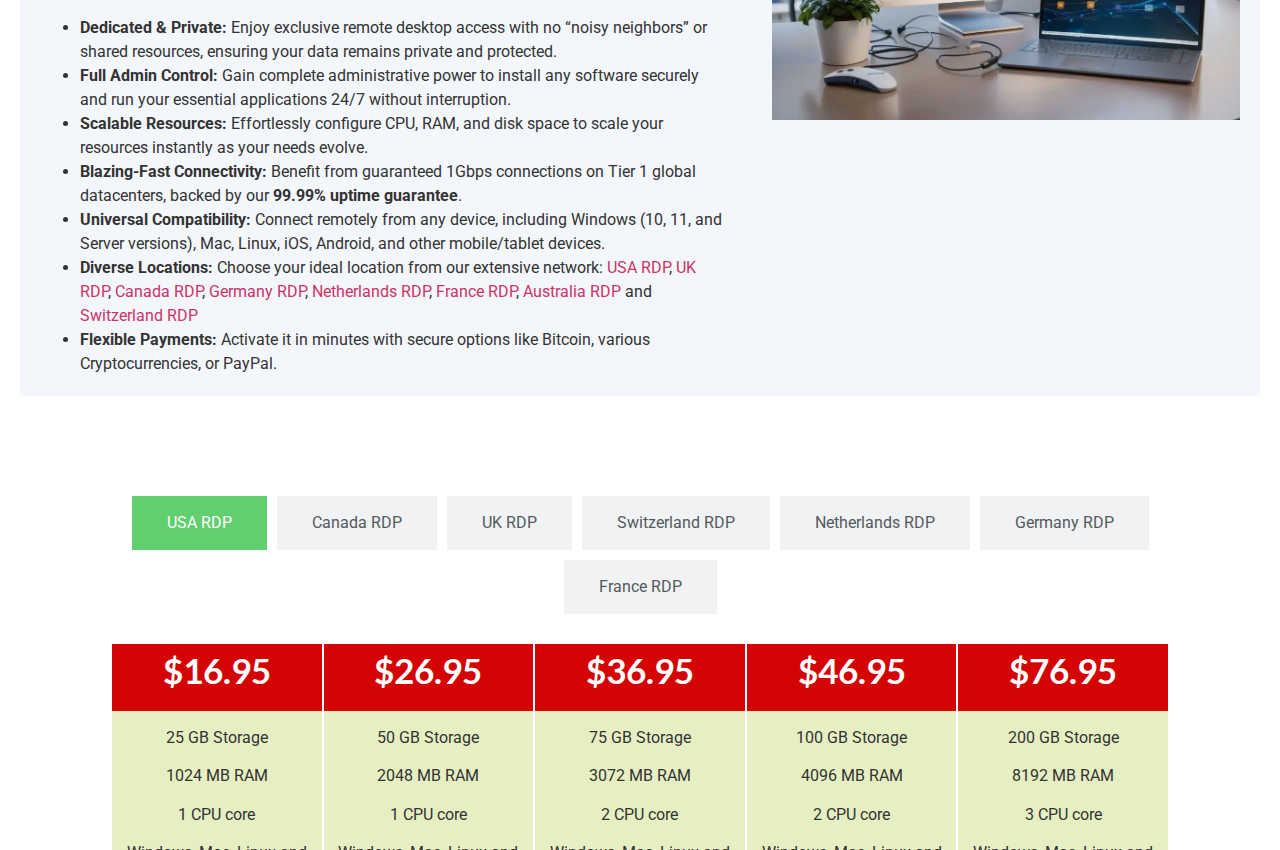
Navigate to our RDP Plans Page. Select your preferred country location based on target audience and low-latency needs: USA RDP, UK RDP, Germany RDP, France RDP, Switzerland RDP, or Netherlands RDP.
We recommend choosing a plan with at least 4 GB of RAM for smooth web browsing and multitasking.
Step 2: Configure operating system and server options
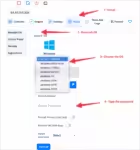
Select your desired operating system: Windows 10, Windows 11, or Windows Server (2025 / 2022 / 2019). Confirm billing cycle and hostname, then click Continue.
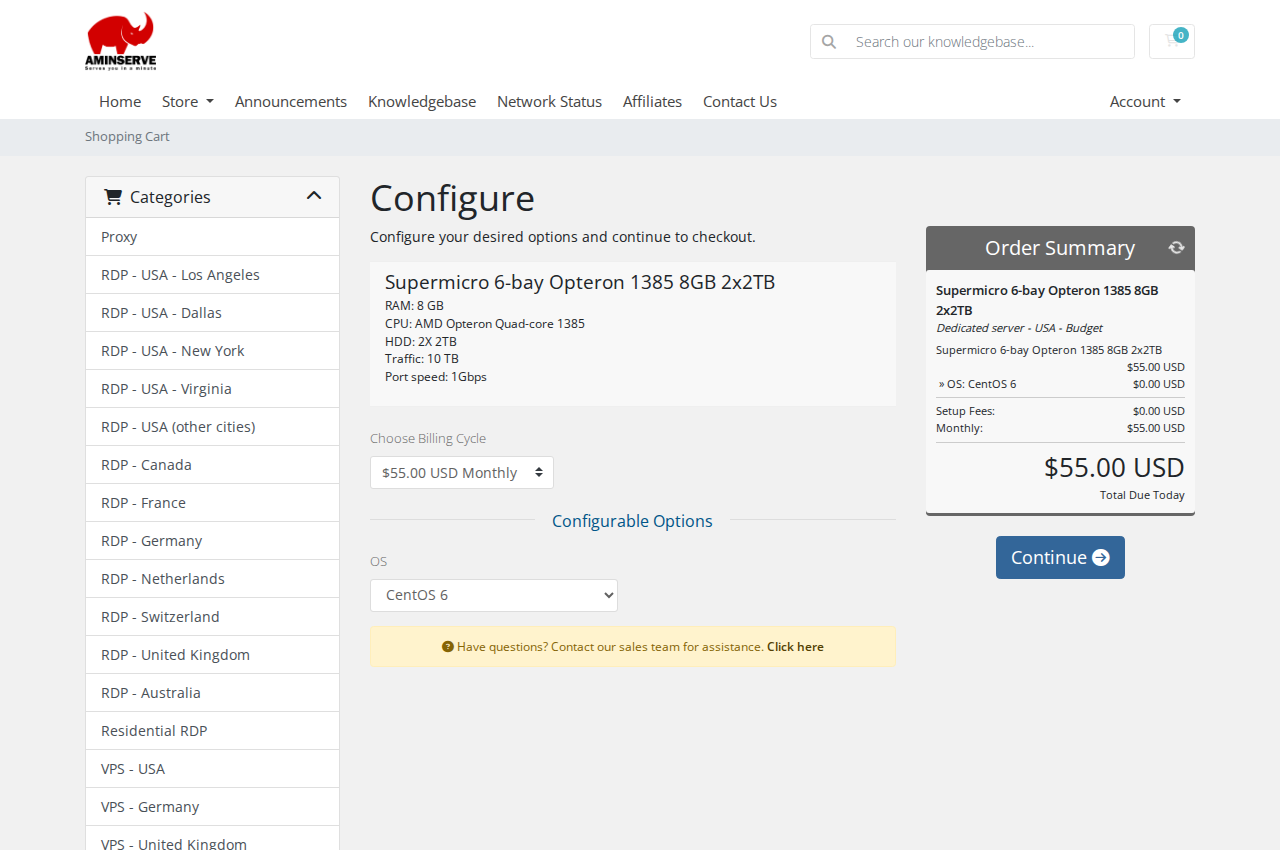
Step 3: Select cryptocurrency at checkout
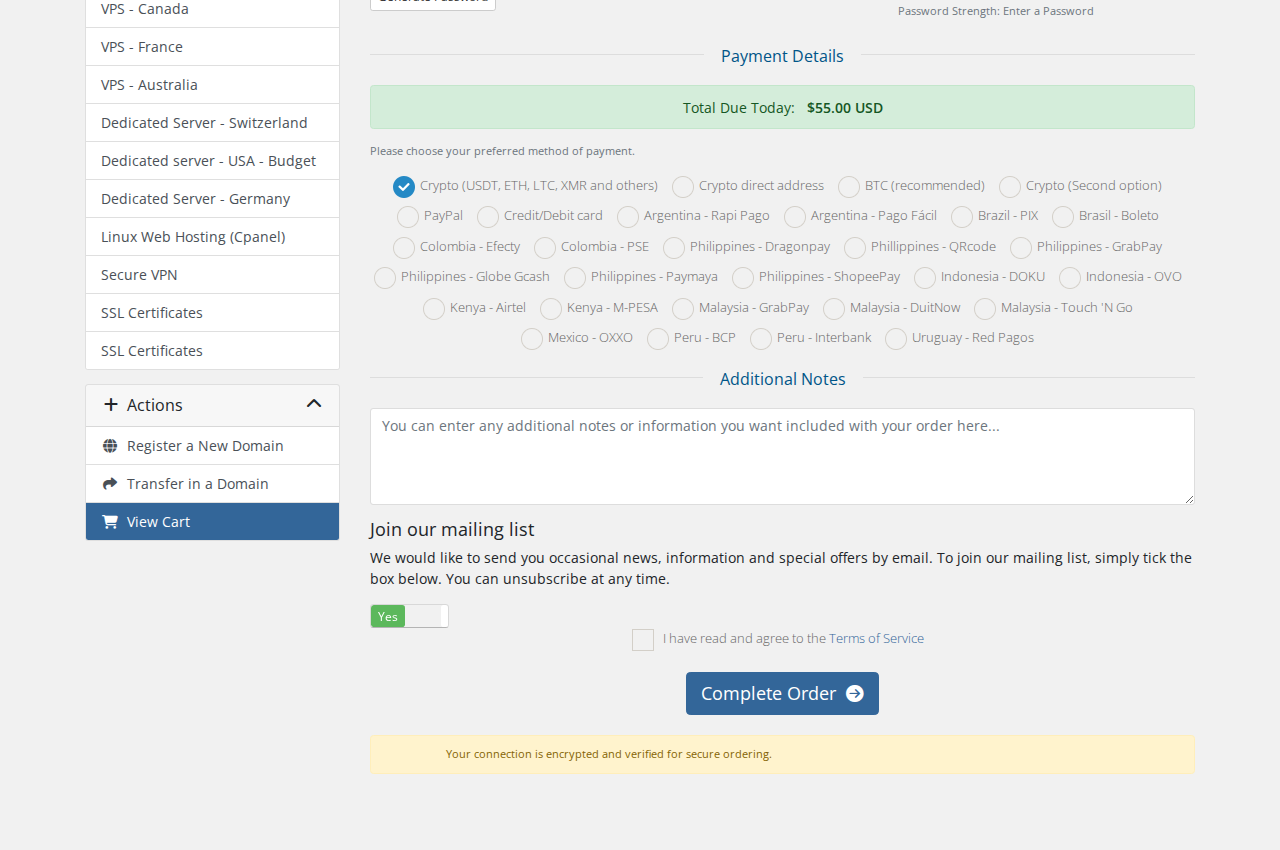
Under Payment Details, select Crypto (USDT, ETH, LTC, XMR and others) or Bitcoin. Review your order details and click Complete Order.
Step 4: Send payment and receive instant credentials
The gateway generates a unique recipient address and QR code with the exact coin amount:
- USDT (TRC-20) / TRX: Confirms in 1 to 3 minutes.
- Bitcoin (BTC): Confirms on the next block (typically 10 to 20 minutes). If you experience delays during high mempool congestion, see our guide on Why Are Bitcoin Confirmations Taking So Long?.
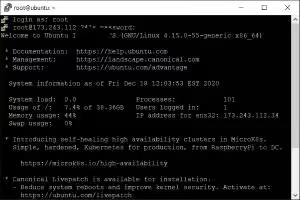
Once confirmed on-chain, your server is provisioned automatically, and connection credentials (IP address, Administrator username, password) are delivered to your email and client portal.
Frequently Asked Questions
Can I renew my services with cryptocurrency?
Yes. All recurring subscription invoices generated in the Aminserve Client Portal can be renewed with any supported cryptocurrency at any time.
What happens if I send an incorrect amount?
If you underpay an invoice, the gateway registers partial payment. Send the exact remaining balance to the same address, or open a support ticket with your transaction hash (TxID) for quick matching.
For more RDP setup and remote connection tutorials, explore our guides on Connecting to RDP on Windows, Connecting from macOS, and Connecting from iPhone & iPad.
For high-performance NVMe cloud hosting with 1Gbps unmetered bandwidth, explore Aminserve High-Speed RDP, Windows Cloud VPS, and Germany Dedicated Servers.