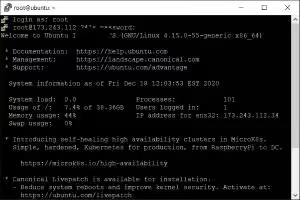
Just spun up a fresh Linux VPS? The very first thing you should do after logging in for the first time is change the default root or user password.
It takes literally ten seconds, but there is one fundamental sysadmin rule you must follow so you never lock yourself out over SSH. Here is how to do it right.
Change Password for Your Current Account
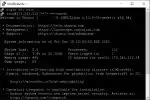
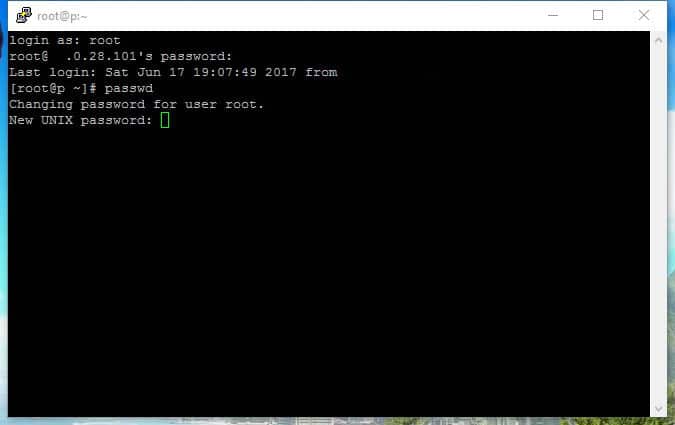
Just type passwd with no arguments:
passwd
The system will ask for your current password, then ask for your new password twice. Notice that Linux does not show asterisks or dots while you type, this is standard security behavior, just keep typing.
Made a typo midway through? Hit Ctrl+C to abort immediately and start over clean.
Change Another User’s Password as Root
If you are root or have sudo privileges, you can reset passwords for secondary accounts without needing their current password:
sudo passwd username
Replace username with the account name (like deployer, dev, or ubuntu). Type the new password twice and it updates instantly in /etc/shadow.

The Golden Rule: Never Close Your Shell Immediately
Never type exit or close your terminal window right after updating credentials. If there was a typo, or if your SSH daemon only allows key-based authentication, closing that window leaves you locked out.
Instead, keep your existing SSH session open, launch a second terminal window on your computer, and log in:
ssh [email protected]
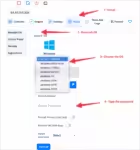
Once you are in and see the prompt, you know the new credentials work. Only then can you safely close the original window. And if you ever do lock yourself out, open the out-of-band VNC console in your Aminserve client dashboard to log in directly via virtual screen and fix your credentials.