Maintaining automated, verified backups for your Cloud VPS or Windows RDP server is the foundation of business continuity. While high-performance enterprise hypervisors utilize redundant RAID-10 NVMe storage arrays, independent data replication protects your mission-critical applications against accidental file deletions, database corruptions, ransomware outbreaks, and misconfigured software updates.
This administrator guide outlines essential disaster recovery architectures, compares automated hypervisor offsite snapshots against in-guest backup scripts, and provides step-by-step restoration procedures for Windows Server, Linux (Ubuntu/Debian/AlmaLinux), and Windows 11 / 10. If you ever experience an outage and need emergency recovery tools, see our walkthrough on How to Fix RDP Automatically via Client Area & VNC.
Why offsite backups are critical for VPS and RDP servers
- Protection Against Ransomware & File Corruption: In-guest ransomware encrypts local volumes. Automated offsite hypervisor snapshots remain read-only and physically isolated from the compromised guest OS.
- Rapid Disaster Recovery: Full-image snapshots allow entire server restores—including operating system configurations, registry hives, and installed binaries—in under 15 minutes.
- Geographic Redundancy: Storing backup images in secondary data center locations (e.g., secondary nodes across Germany, Switzerland, or the Netherlands) safeguards workloads against regional network disruptions.
- Risk-Free System Upgrades: Take a snapshot prior to applying major kernel patches or Windows updates to ensure instantaneous 1-click rollback.
Hypervisor-level snapshots vs. In-guest backups
| Feature / Method | Hypervisor-Level Offsite Backup | In-Guest Backup Scripts |
|---|---|---|
| Backup Scope | Full block-level disk image (OS, files, apps) | Targeted files, directories, and SQL dumps |
| Restoration Speed | Instant bare-metal rollbacks in minutes | Requires manual OS installation before file restore |
| Performance Impact | Zero guest CPU overhead (executed by hypervisor) | Consumes local CPU/RAM during archiving/compression |
| Disaster Immunity | Isolated offsite storage; immune to OS lockouts | Vulnerable if local administrator credentials are lost |
Automated weekly and daily backup plans at Aminserve
Aminserve provides fully managed automated offsite backup add-ons that integrate directly with your hosting control panel:
- Automated Weekly Snapshots: Full block-level image captured every Sunday and replicated to secure offsite vault storage.
- Automated Daily Backups: Designed for high-frequency transactional databases, e-commerce stores, and active development environments.
- Multi-Datacenter Restoration: In emergency hardware failure scenarios, restore your backup image either to the original host node or spin up on an alternate node in another facility.
Step-by-step: How to order and restore VPS backups
Step 1: Enable backup add-on in the Client Portal
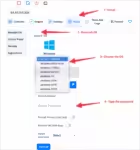
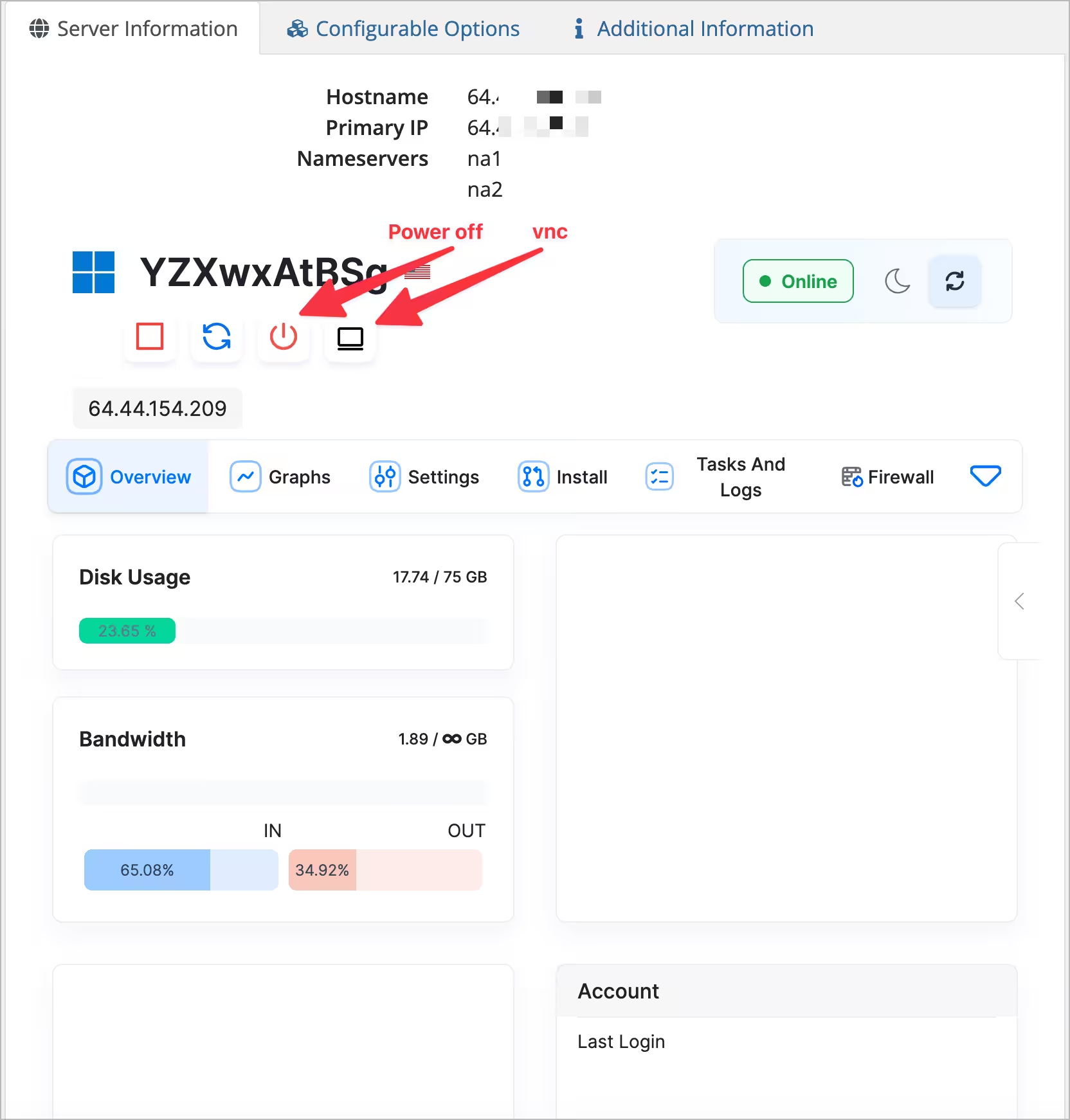
Log in to the Aminserve Client Area, open your active VPS or RDP service, and select the Backup Service Add-on under configurable options.
Step 2: Requesting instant snapshot restoration
If you experience data loss or an unrecoverable system crash, navigate to your service dashboard, select your preferred recovery point from the archive, and click Restore Backup. The hypervisor powers off the node, writes the block-level snapshot, and boots into a verified clean state within minutes.
Guest-level backup best practices for Linux and Windows
In addition to hypervisor snapshots, maintain structured application-level database exports:
# Linux automated MySQL/PostgreSQL dump example
mysqldump -u root -p database_name | gzip > /backup/db_$(date +%F).sql.gz

# Windows PowerShell automated archive
Compress-Archive -Path "C:\inetpub\wwwroot" -DestinationPath "C:\Backups\site_$(Get-Date -Format 'yyyyMMdd').zip"
For more server management tutorials, explore our guides on VNC Console Access for RDP & VPS, How to Change Windows Password, and Which Windows Server for RDP, VPS or Dedicated.
For enterprise-grade cloud hosting with automated offsite backup infrastructure, NVMe SSD storage, and 24/7 dedicated support, explore Aminserve Linux Cloud VPS, High-Speed RDP, and Germany Dedicated Servers.